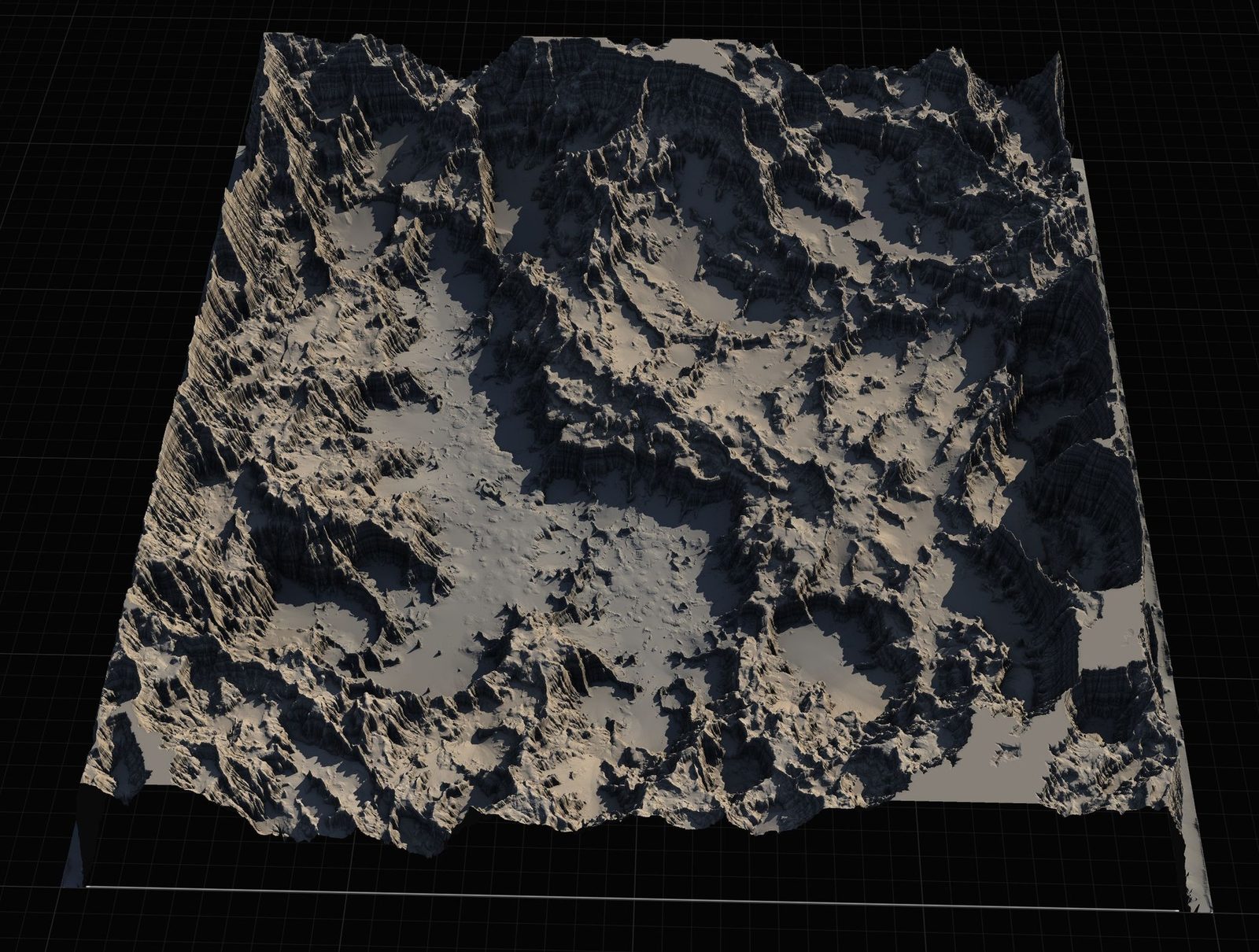
tutorial · 2024-09-18
Handling Multiple Biomes in One Open World Landscape
Techniques for blending biomes on a single landscape in UE5 without ugly seams or performance cliffs.
Biomes are not just different textures
A good biome change affects foliage types, prop kits, lighting, audio, and even gameplay (movement speed, visibility). Treating it as 'just swap the material' creates flat, unconvincing worlds.
The technical challenge is blending everything smoothly on one landscape while keeping draw calls and streaming reasonable.
Masking and blending strategies
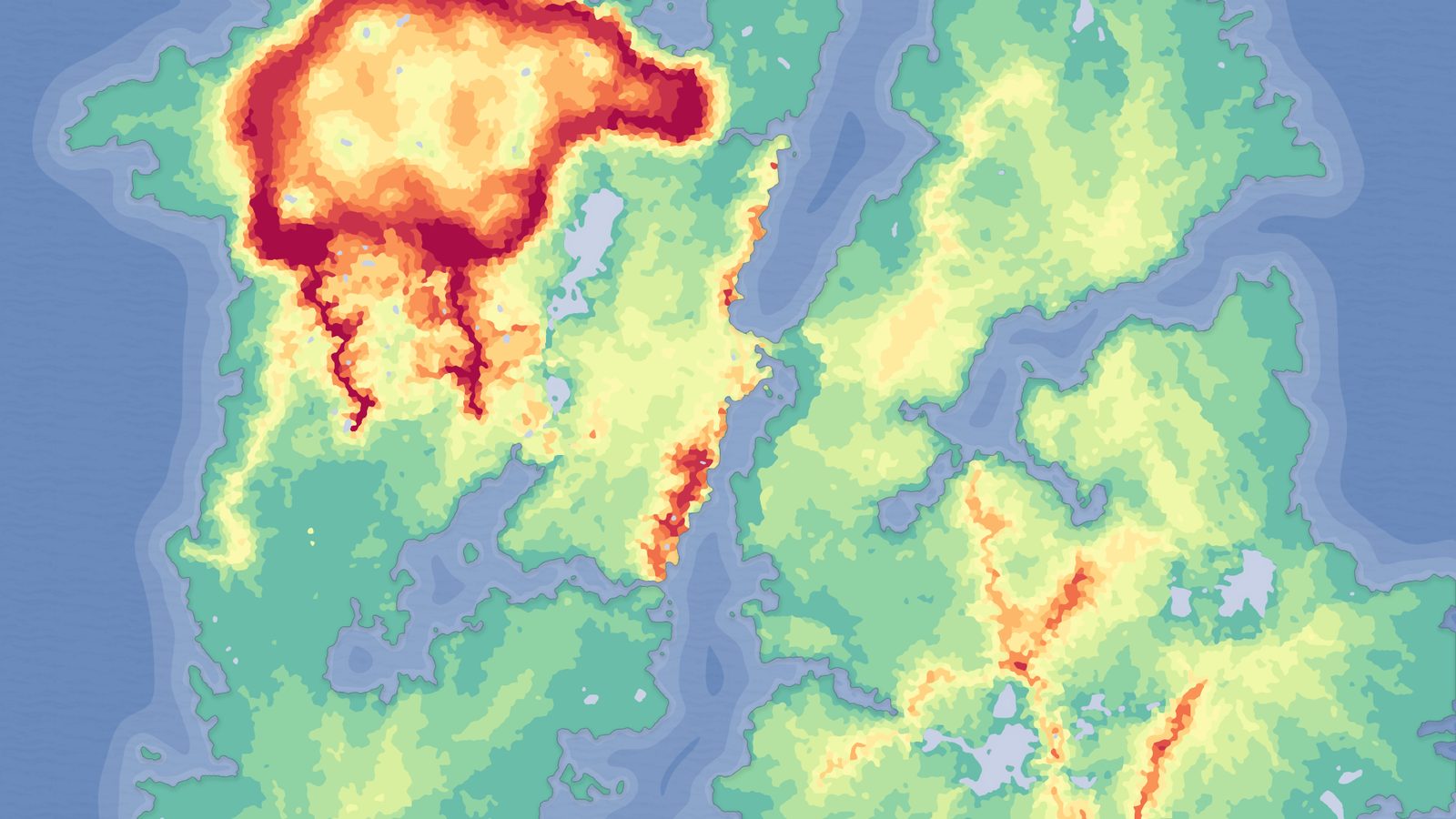
Use landscape layer weights painted or generated from noise + height for the base blend.
For PCG and foliage, use the same masks to drive different spawn rules per biome.
Create soft transition zones (50-200 m) where both biome rule sets are active at reduced density.
Performance across biome boundaries
Avoid having 12 different foliage types active at the exact same pixel. Use cull distances and scalability so only the dominant biome is at full density.
Share as many materials and meshes as possible between biomes (same rock family with different moss parameters, same tree trunk with different leaf cards).
Test streaming: when the player crosses a biome boundary, the new content should already be resident or stream in gracefully.
FAQ
Can I use multiple landscapes instead of one big one?
Possible, but you lose easy blending at the seams and World Partition streaming gets more complicated. One large landscape with good masking is usually cleaner.
Fantasy Landscape Pack
A collection of diverse fantasy heightmap landscapes across multiple biomes — drop-in terrains for RPGs and open worlds, ready to dress and play.
Related on Fab
Related reading