tutorial · 2025-12-02
Landscape Material Layering Best Practices for UE5
How to build a maintainable, performant landscape material with many layers without blowing up shader complexity or iteration time.
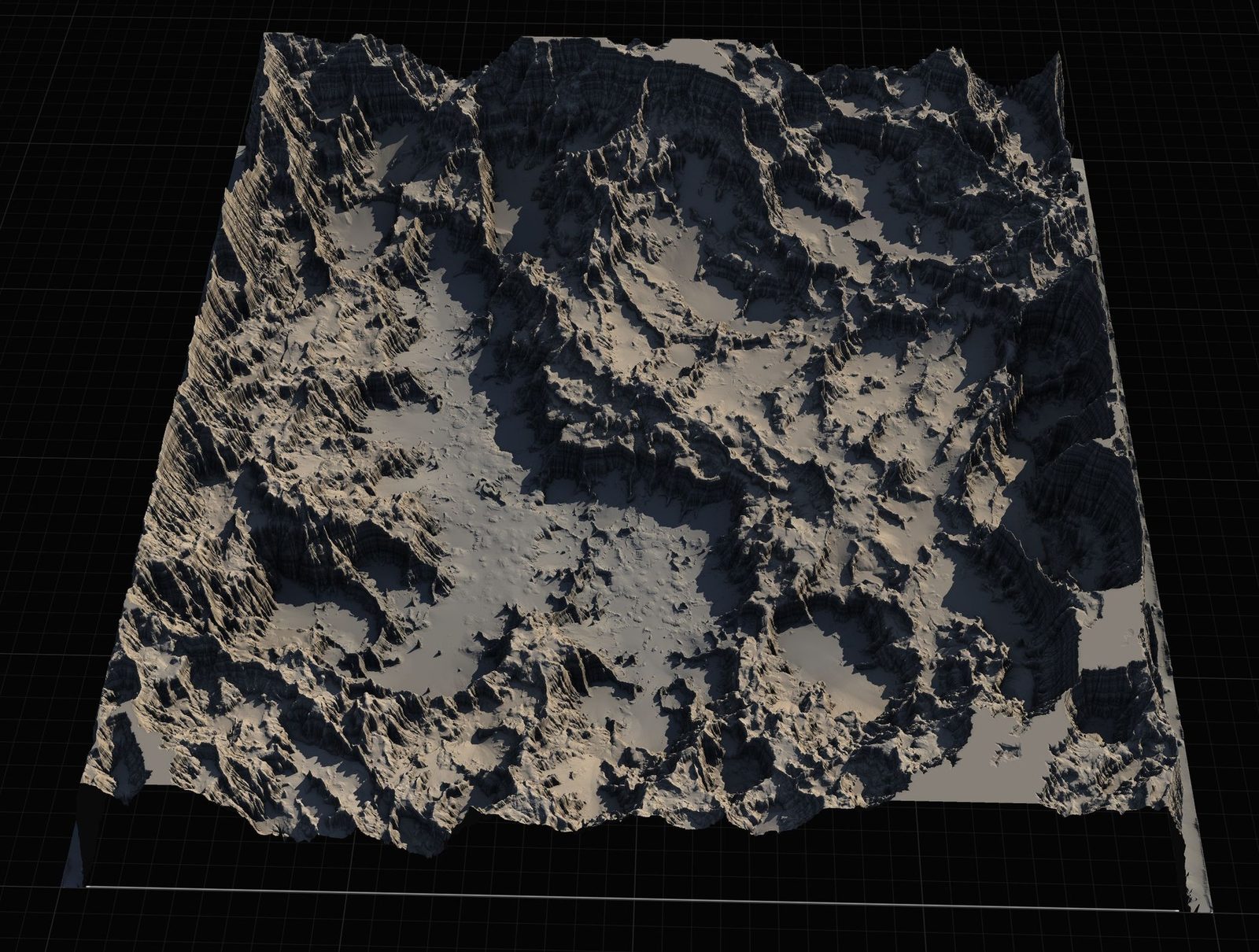
Landscape materials get complicated fast
A simple 4-layer material works until you need rock, dirt, grass, moss, sand, snow, paths, puddles, and custom decals. Suddenly you have 12+ layers, massive instruction counts, and 30+ texture samplers.
The trick is to treat the landscape material like a real rendering problem: budget your complexity, use the right blending model, and push as much variation into masks and parameters as possible.
These patterns come from 2025 open world and environment teams that had to ship on multiple platforms.
Layer count and blending strategy
Aim for 6-8 'base' layers maximum in a single material. Use additional 'detail' layers via runtime virtual texture or decals for hero areas.
Prefer height-blended layering over simple alpha. It looks much more natural at transitions. Cache the height data in the material rather than sampling extra textures per layer if possible.
Use 'Landscape Layer Blend' nodes with proper 'Height' inputs and 'Alpha' for painted weights. Avoid stacking many Lerps in a chain.
Texture and sampler budget
Use Virtual Texturing for the largest base textures. This dramatically reduces the number of simultaneous samples.
Share normal maps or pack data (roughness/height/ao) into single textures where possible. Every extra sampler costs.
For triplanar or world-aligned projection on cliffs, compute the projection once and reuse the result for multiple layers instead of projecting per layer.
Iteration and maintainability
Create a 'Landscape Material Master' with clear sections and parameters. Artists should rarely edit the core graph.
Use Material Layers and Material Layer Blends (the newer system) for reusable layer definitions that can be mixed into different landscape materials.
Document the intended weight range for each layer (e.g. 'grass should never be > 0.7 weight in snow biomes') so painters don't create impossible combinations that break blending.
FAQ
Should I use the new Material Layers system or the classic Landscape Layer Blend?
Material Layers are more flexible and reusable for large teams. Classic Landscape Layer Blend is still fine for simpler projects. Many 2025 projects use a hybrid.
Fantasy Landscape Pack
A collection of diverse fantasy heightmap landscapes across multiple biomes — drop-in terrains for RPGs and open worlds, ready to dress and play.
Related on Fab

Related reading